Integration Overview For Accountants and Farm Advisors

Figured and QuickBooks Online: Integration Overview

See how Figured works with QuickBooks Online to provide a fully integrated financial planning, budgeting, forecasting and reporting solution built specifically for agribusiness.

QBO-integration-overview-thumbnail-1

Download the Integration Overview

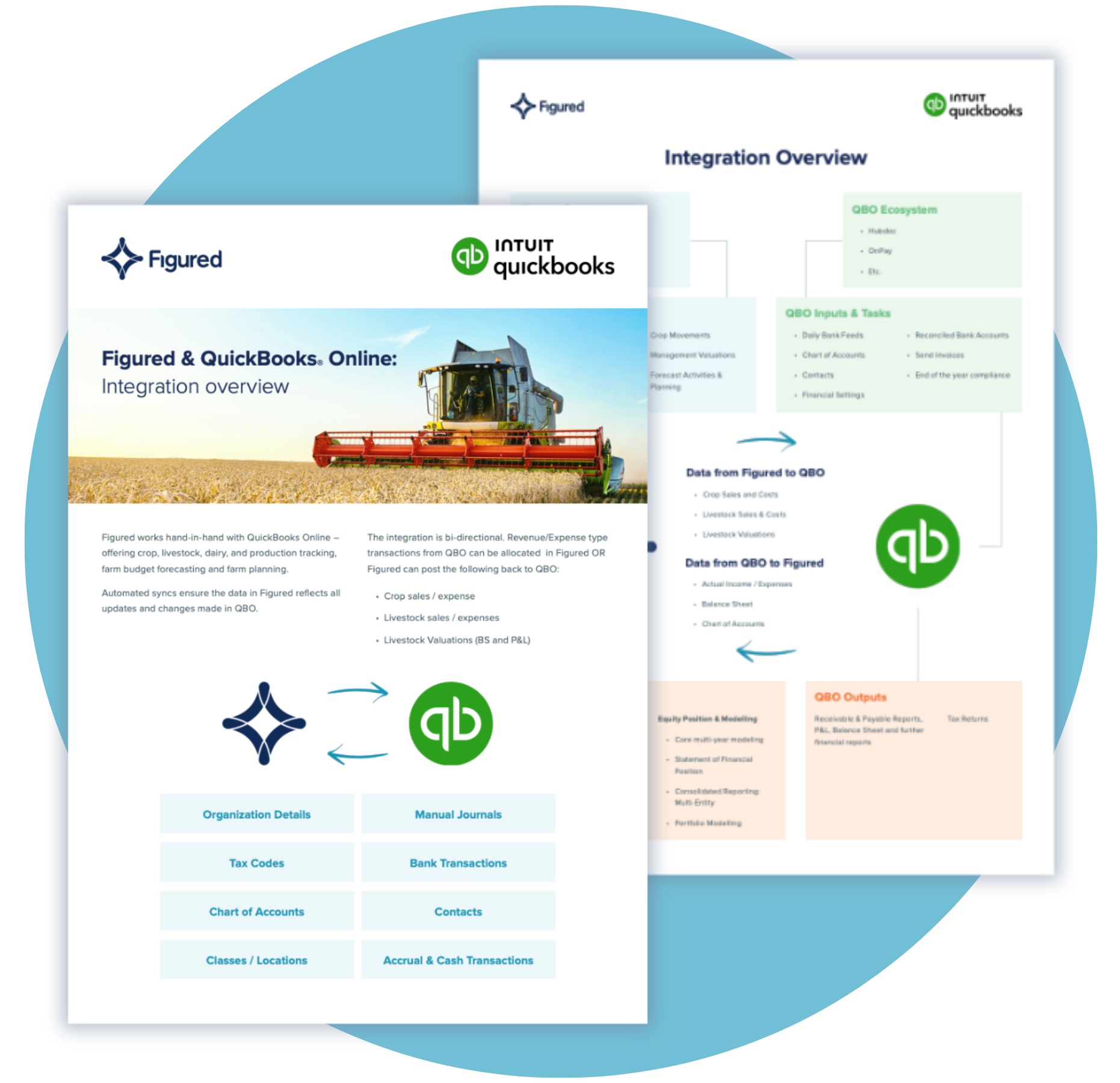
Figured works hand-in-hand with QuickBooks Online.

Crop, livestock, dairy and production tracking, farm budget forecasting and farm planning, all on top of the ledger you already run. Automated syncs mean the data in Figured reflects every update and change made in QuickBooks Online.

What the Overview Covers

A Bi-Directional Integration

Revenue and expense transactions from QuickBooks Online can be allocated in Figured — or Figured can post crop sales and expenses, livestock sales and expenses, and livestock valuations back to QuickBooks Online.

What Syncs, and Which Way

Organization details, tax codes, chart of accounts, classes and locations, manual journals, bank transactions, contacts, and accrual and cash transactions.

Figured Inputs and Outputs

Property and fields, production data, inventory management, livestock movements and forecast planning in; production and gross margin reports, seasonal and field-level reports, livestock reconciliation and variance analysis out.

Where Each System Does Its Job

QuickBooks Online handles daily bank feeds, invoicing, reconciliation and end-of-year compliance. Figured handles the ag-specific management reporting, equity position and multi-year modeling on top.

Inside the Overview

A Diagram of the Whole Integration

One page showing the Figured and QuickBooks Online ecosystems side by side — inputs, outputs, and exactly which data moves in which direction between them.

Download Now
A rancher on horseback with cattle under a stormy sky

Get the Integration Overview

Download the free overview and see how Figured and QuickBooks Online fit together across your ag client base.