Figured Integrations

Figured & Open Country

No more manual entry. Figured connects directly with Open Country, so your monthly milk solids production lands in your Milk Tracker automatically.

About Open Country

Bringing Open Country & Figured Together

Open Country is New Zealand’s largest independent dairy processor, drawing milk from over 1,000 farmer suppliers through processing sites across the North and South Islands.

Traditionally, when Open Country’s kgMS numbers arrived each month, farmers and their accountants would need to key in the data by hand to get it into their records. With Figured, we’ve eliminated that manual work.
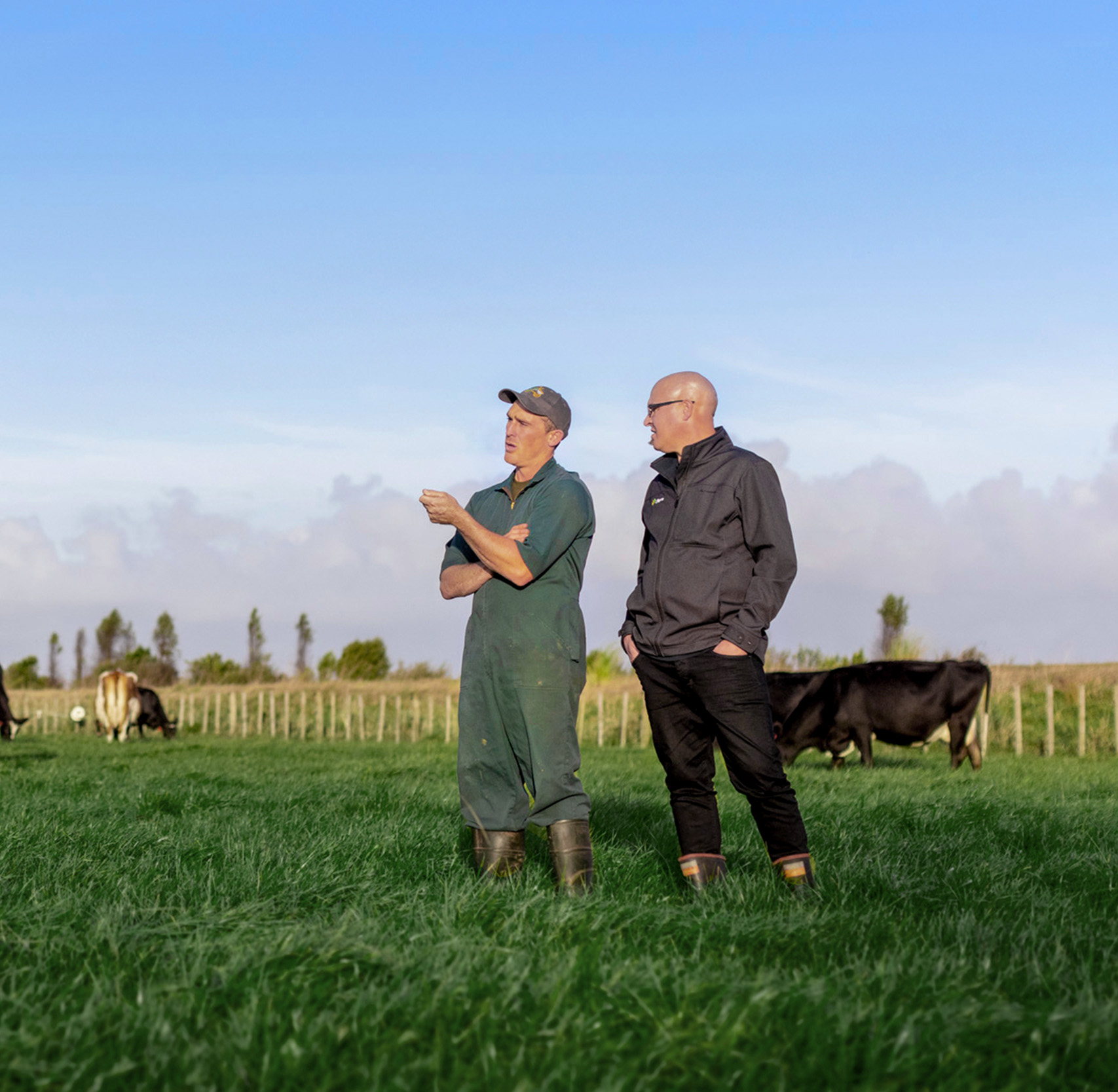

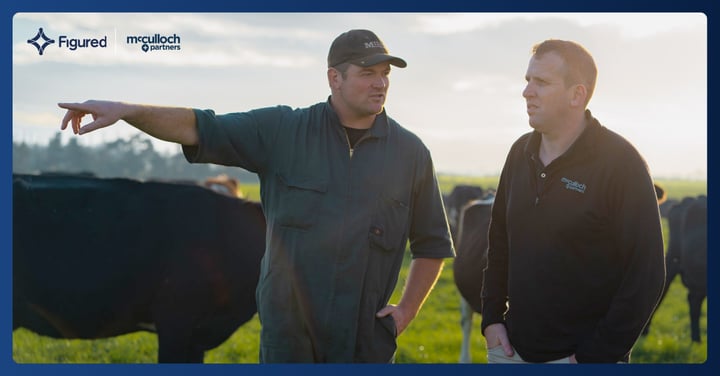
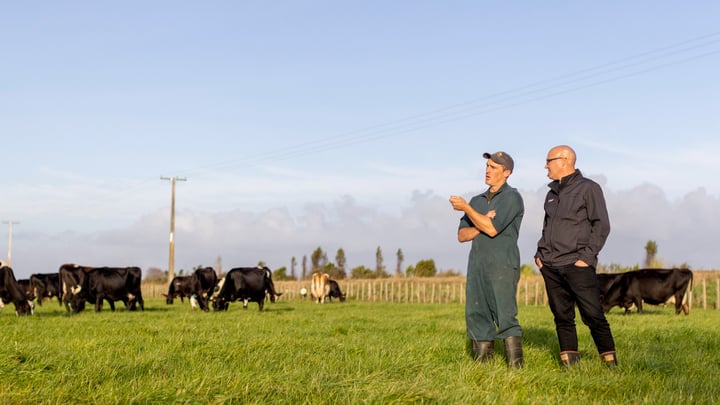
A dairy farmer and his adviser talking together in a paddock, the herd grazing behind them
Heard This Before?

“I won’t know my real production numbers until I’ve typed them in myself.”

Manual input has always been a part of how production tracking works in dairy. Open Country publishes the month’s figures, and someone has to sit down, find the number, and get it into a budget or spreadsheet before it means anything.

But it doesn’t have to be that way. What if you could pull the data straight from Open Country every month, so it flows straight through to your financial plan, ready to work with? The month lands when it lands. Nobody has to go looking for it.

That’s the power of Figured.

What Figured & Open Country Do Together

Your Production, Without the Data Entry

Once your supply number is connected, Open Country’s monthly kgMS figures land directly in your Milk Tracker within the first week of the following month.

A Number You Can Plan Around

Each month locks in your Milk Tracker as soon as it syncs, so it reads as a verified actual rather than a forecast. Historical production can also be pulled in when you first connect.

Production Feeds Straight Into the Plan

Production feeds straight into your budget, forecasts, and reports as soon as it lands. There’s no separate spreadsheet tracking the season, and nothing to reconcile against your financial plan later.

Want to Talk to Someone About Connecting Open Country with Your Figured Account?

Get in touch with our team.
Get in Touch

Setup

Getting Started Is Easy

Connecting Open Country and Figured takes a few steps to verify, then your production syncs automatically every month.

Step 1

Add Your Supply Number

Enter your Open Country supply number in your Milk Tracker settings, then download, sign, and upload the Authorisation Form.

  • Must be signed by an authorised person.
  • Takes a few minutes to submit.
  • Multiple supply numbers can be added.

Step 2

Open Country and Figured Verify the Connection

Open Country confirms the supply number matches your farm, then Figured’s support team verifies the connection on our end.

  • No further action needed from you.
  • You’ll see "Verified" once complete.
  • Most requests clear within days.

Step 3

Production Syncs Automatically

From here, your monthly kgMS figures flow straight into your Milk Tracker and lock as verified actuals.

  • Historical seasons can sync too.
  • No manual entry required again.
  • Updates land within the first week.

Need help getting set up?

View the Full Guide

Now with Figured, it has absolutely shifted our whole outlook on the business. I just can’t wait to be using the reports to analyse and approve decisions — we’ve never had time to do that before, we’ve been too busy just getting the information.

Tracey McNeil
Tracey McNeil McNeil Farming

The milk trackers and planners are nice and simple. Figured will save me from playing around in Excel spreadsheets – even if my budgets and cashflow forecasts are pretty comprehensive.

Colin Cuff
Colin Cuff C&C Dairies Ltd.

If you’re not measuring what you’re doing, you can’t manage it. And Figured has certainly given us a greater ability to manage things, because we are measuring so much more.

Charlie Arnott
Charlie Arnott Regenerative Farmer

Figured & Open Country — FAQ

You connect your supply number in your Milk Tracker settings, then upload a signed Authorisation Form. Open Country confirms the supply number matches your farm and that the form was signed by someone authorised to request the connection, then Figured’s support team verifies it on our end.

Once verified, your monthly kgMS production syncs automatically — typically within the first week of the following month — and shows as a locked number in your milk tracker under the production column. You can also sync your historical production at the same time, which takes about 10 minutes to pull through once you’re verified.

Yes. This integration is specific to Open Country suppliers. If you supply a different processor, Figured also connects directly with Synlait, Miraka, and Westland using the same Authorisation Form process, or with Fonterra through a separate Farm Source connection.

No. The Open Country connection covers monthly kgMS only. Milk price updates are maintained by Figured each season, and your actual payments come through as transactions in Xero, MYOB, or QuickBooks Online.

You can connect each supply number to a Milk Tracker in Figured. Every number goes through its own Authorisation Form and verification, so multiple supply arrangements can run side by side without mixing production together.

Submitting your supply number and Authorisation Form takes a few minutes. From there, Open Country needs to confirm the details and Figured’s support team verifies the connection — this step doesn’t have a fixed turnaround, so it’s worth allowing a bit of buffer before you’re relying on the sync.

Once verified, syncing is automatic every month, and pulling in your historical production takes about 10 minutes.

Yes. Alongside Open Country, Figured connects directly with Synlait, Miraka, and Westland using the same Authorisation Form process, and with Fonterra through a separate Farm Source connection. Each processor syncs monthly production straight into the matching Milk Tracker, so the same automatic approach applies whichever processor, or processors, you supply.

Stop Chasing Production Numbers. Let Them Come to You

Connect Figured to your Open Country supply number and watch as your Milk Tracker pulls in all the data you need — without the manual entry.