For Agri Accountants
The World’s Largest Farm Financial Management Platform
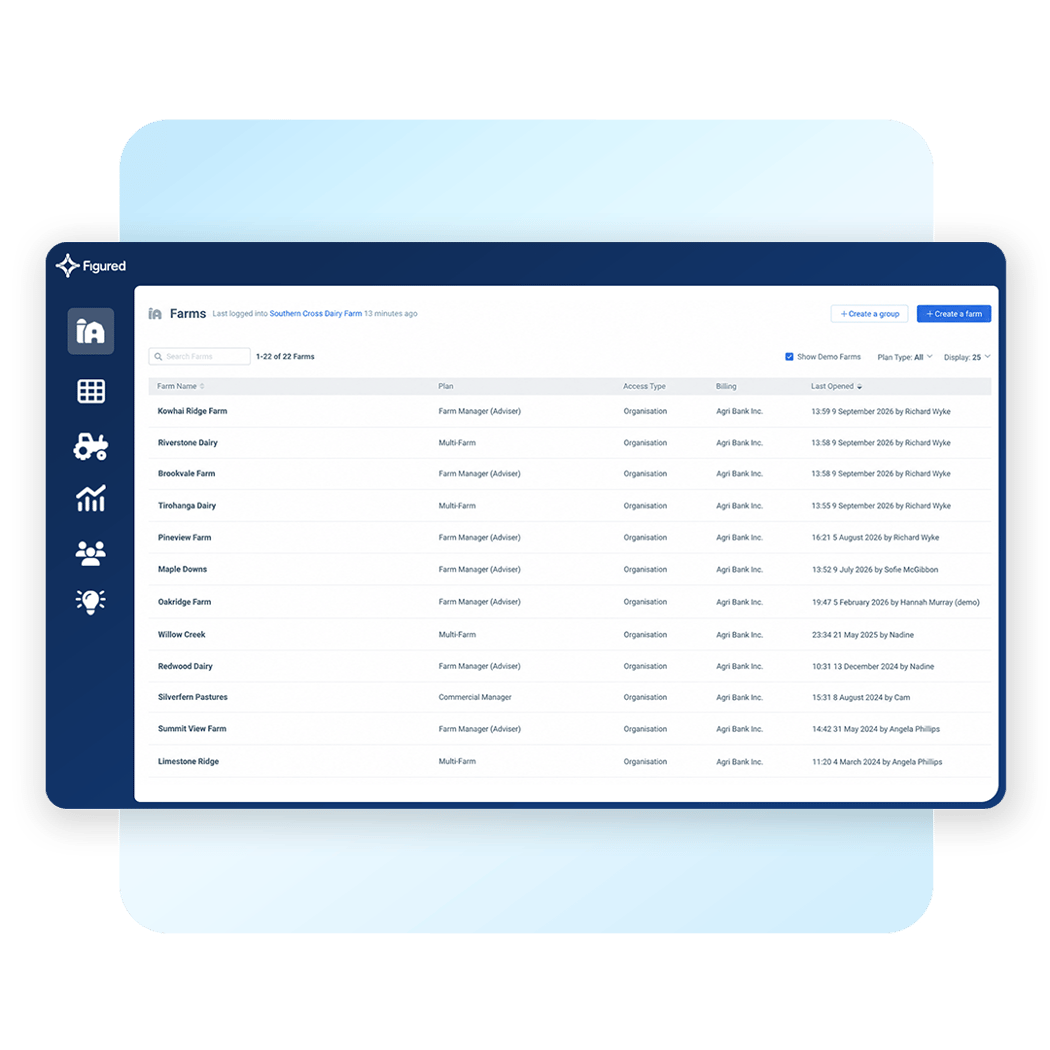
There’s a reason thousands of agri-accounting firms across Australia, New Zealand, the UK, and the USA run their farming clients through Figured. More than 35,000 farms trust the platform — and the advisers who use it every day know exactly why.

“Advisory reports take too long, so we only offer them to top-tier clients.”
Building quality advisory reports for a farm takes time — pulling the numbers together, filling in gaps, laying it all out, and adding commentary. For one or two clients, it’s worth the effort. Across 60, there’s just no capacity for it.
As a result, Australian agri accounting practices usually offer a tiered approach. The high-value farms get the full treatment. Everyone else gets a standard report, accurate but generic.
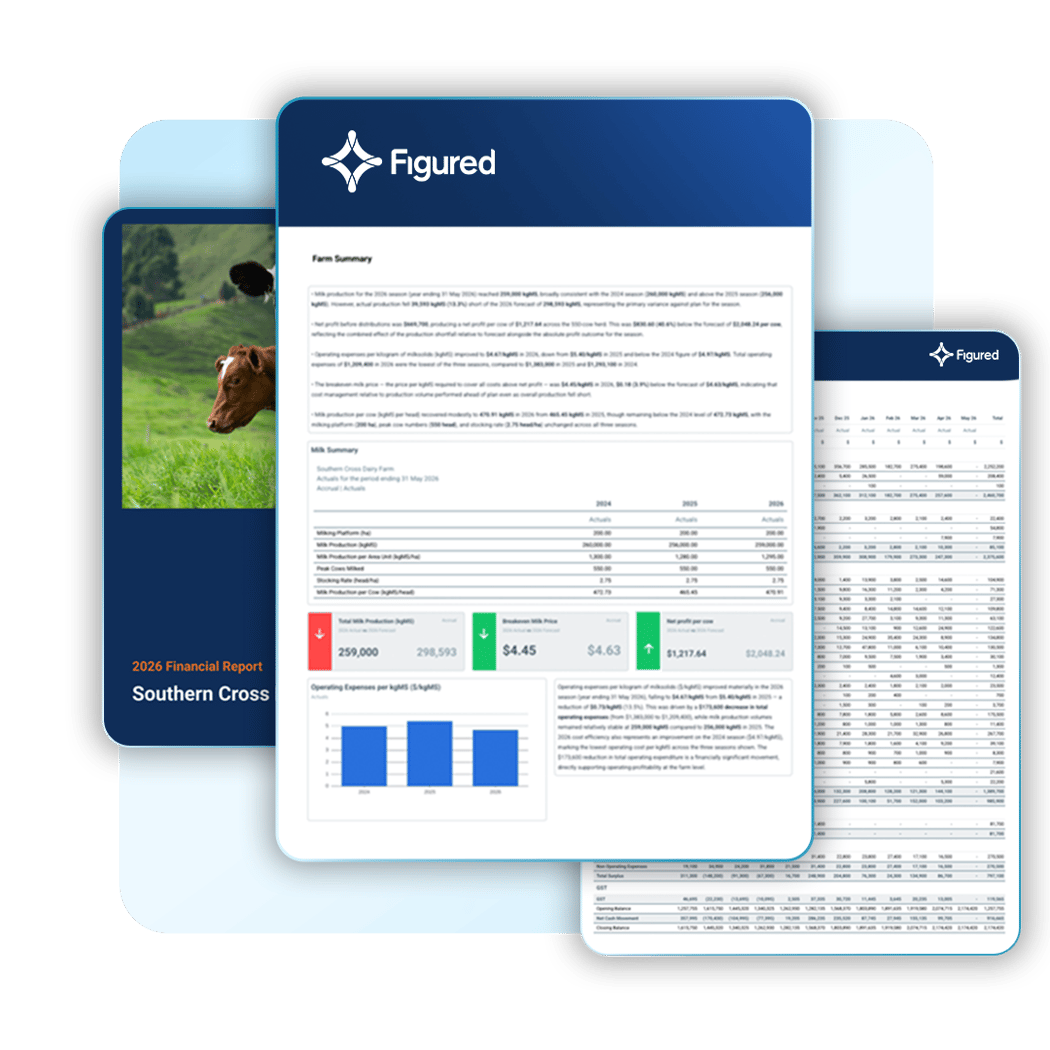
But a growing number of accountants have stopped accepting the trade-off. They’re building customised, fully branded reports for all of their farmers, with tailored report commentary and eye-catching visuals, which win results at the board and bank without the capacity constraints.
Financial Reports
Gain instant insight into the financial activity happening now on your clients’ farms. At the click of a button, generate bank-ready report packs covering P&L, cashflow, balance sheet, variance reporting, and account transactions — with live data synced automatically from Xero, QuickBooks Online, or MYOB.
Plus, Figured’s production and tracker reports cover cost of production, livestock movements, inventory valuations, and EOFY trading statements. Save within Figured, embed within Reporting Studio, share with the farming team, or export as a PDF or CSV.

Custom Reporting
Figured Reporting Studio reimagines what custom reporting means for Australian agri accounting practices.
Simply open a template at the farm level and Reporting Studio builds your reports instantly, with live data drawn from the farm’s current position. Swap out the details you don’t need for the numbers you do, embed a variety of financial reports straight into the pack, and scale across your full client book.

Auto Analyst
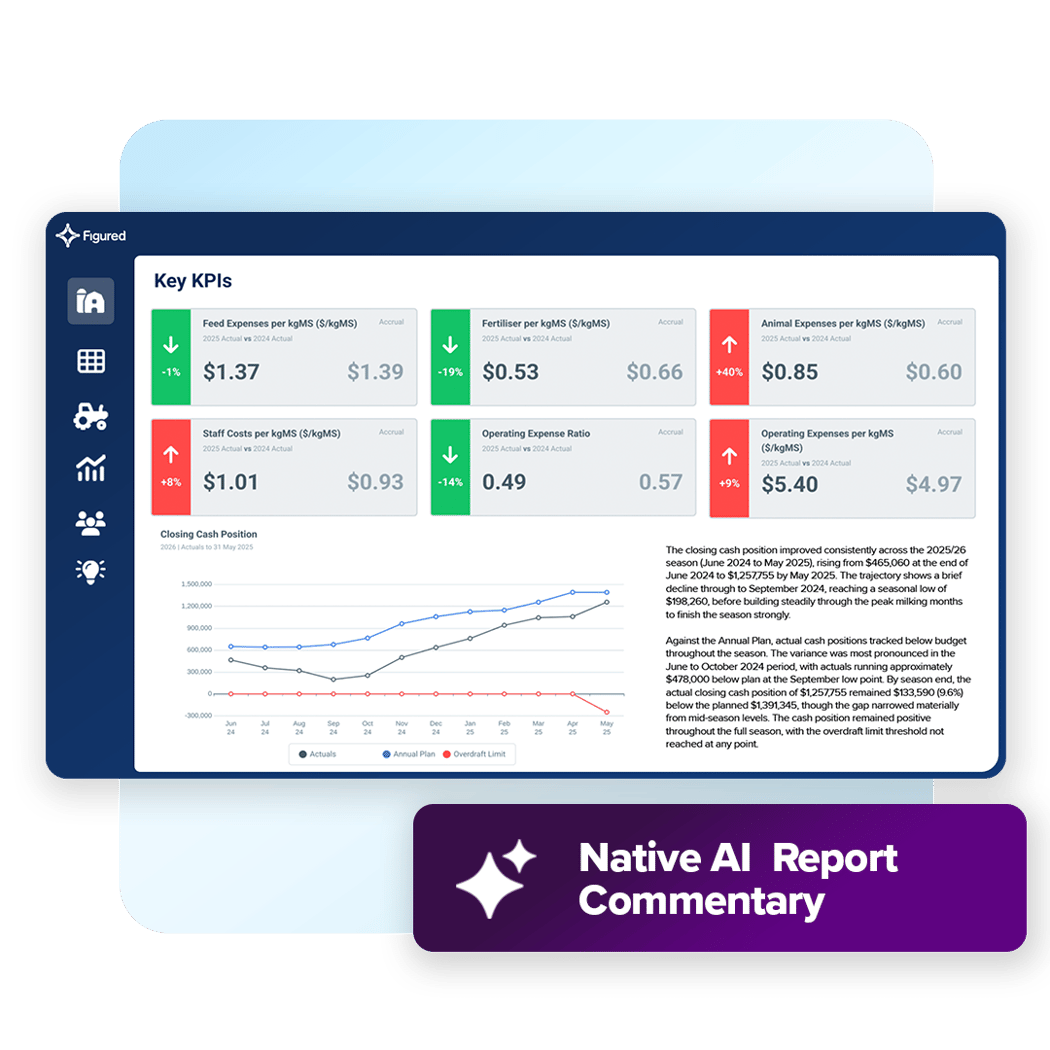
Save time adding insight and explanation to each custom report when you add Auto Analyst to your Reporting Studio templates.
Auto Analyst reads the data you tell it to and produces instant, useful commentary at the level of detail you specify. Ask for a detailed analysis of complex charts, write scannable bullet points showing trends over time, or add an executive summary to the front page — then edit the text if you want to make changes yourself.

Org-Level Templates
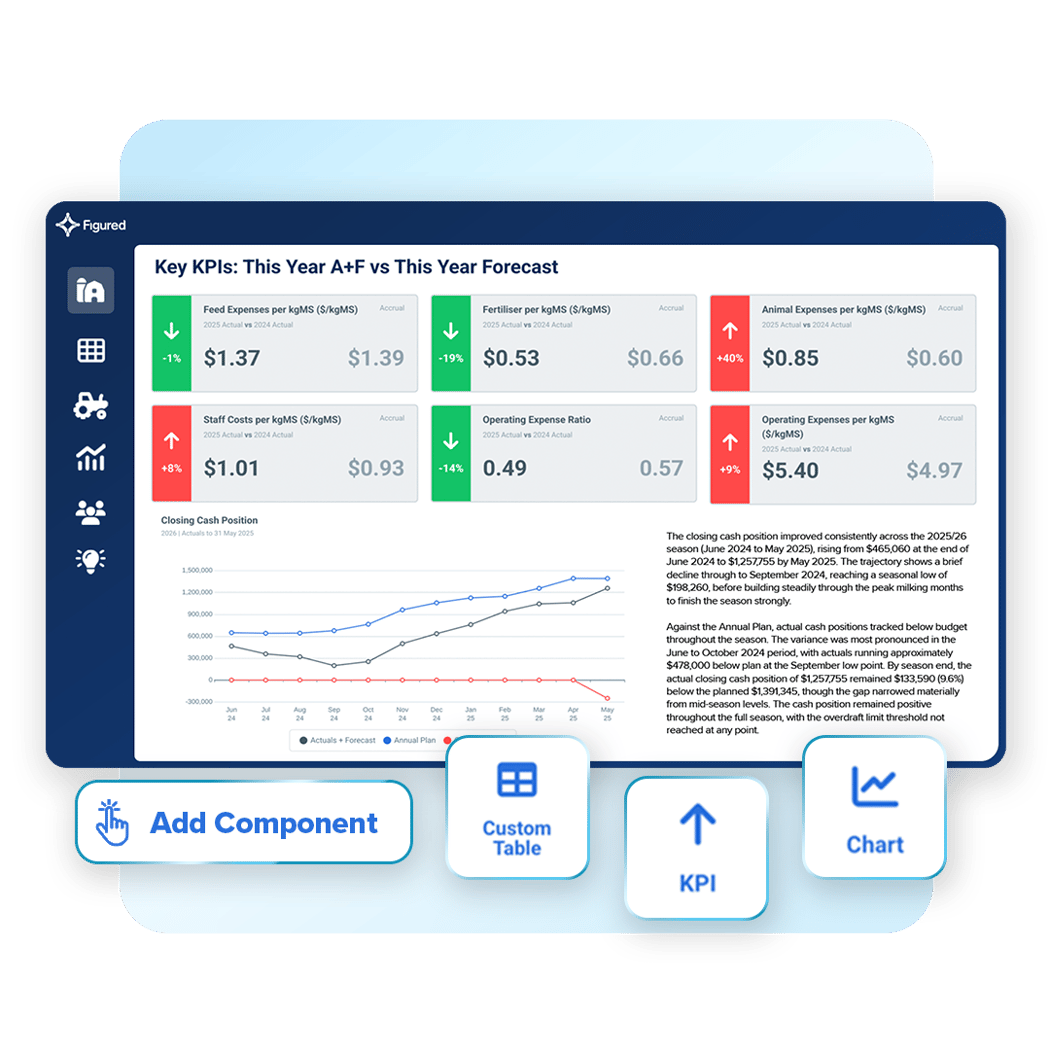
Don’t waste time rebuilding the same report over and over again. In Reporting Studio, you build your best layouts once at the organisation level, which populate instantly at the farm level.
Reporting Studio’s simple drag-and-drop editor makes it easy for anyone to produce new templates, swapping components in and out, resizing to fit the layout you like, and adding AI commentary where you need explanation. And if you have to make changes to a specific template for a particular client, open it at the farm level and access the same level of customisability.
Now, a job that used to be impossible across an entire portfolio can be done in minutes. Package it, scale it, and use it to grow your revenue.

We think Figured is a great tool for the financial management reporting side of things. It allows the opportunity for us to help clients establish a great structure around their financial reporting system that actually gives them meaningful information out the other end.
The bank really appreciates the clear transparency around cash reporting and being proactive in decisions, and we’ve got some great strong feedback from the bank around the reports they receive [from Figured].
If you’re not measuring what you’re doing, you can’t manage it. And Figured has certainly given us a greater ability to manage things, because we are measuring so much more.
Integrations
Xero
Accounting
MYOB
Accounting
AgriWebb
Farm Management
Agworld
Farm Management
FarmIQ
Farm Management
Xero
Accounting
MYOB
Accounting
AgriWebb
Farm Management
Agworld
Farm Management
FarmIQ
Farm Management
Xero
Accounting
MYOB
Accounting
AgriWebb
Farm Management
Agworld
Farm Management
FarmIQ
Farm Management
Trev
Farm Management
Farm Source
Dairy Processors
Synlait
Dairy Processors
Open Country
Dairy Processors
Miraka
Dairy Processors
Westland
Dairy Processors
Trev
Farm Management
Farm Source
Dairy Processors
Synlait
Dairy Processors
Open Country
Dairy Processors
Miraka
Dairy Processors
Westland
Dairy Processors
Trev
Farm Management
Farm Source
Dairy Processors
Synlait
Dairy Processors
Open Country
Dairy Processors
Miraka
Dairy Processors
Westland
Dairy Processors
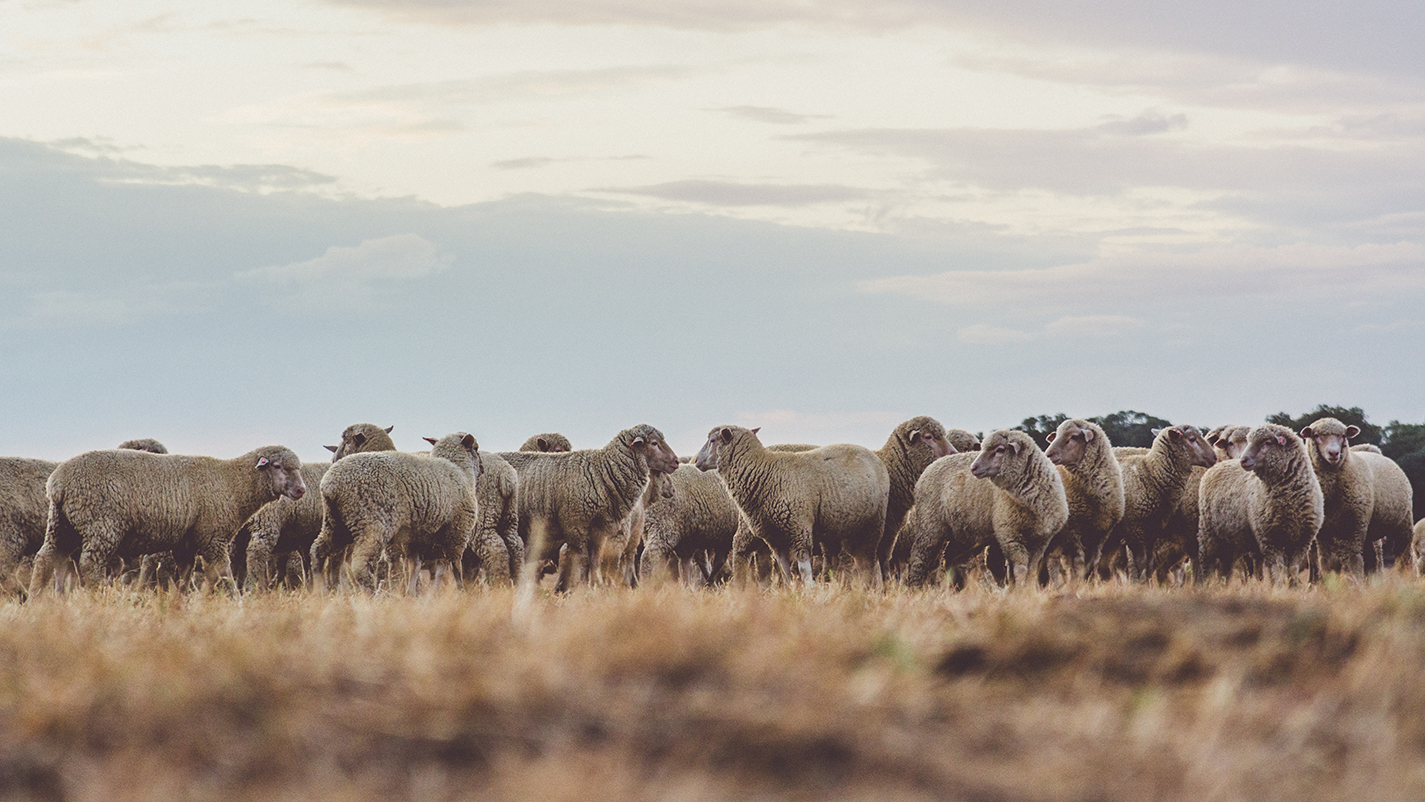
Livestock operations require reporting that connects stock movements, trading activity, and current stock positions to the farm’s actual financial position. Figured handles it natively, fed directly by AgriWebb.
Track production and inventory in real time throughout the year, create budgets, forecasts, and scenario models as you need them, and then when it comes time to produce a report, pull it all straight out of the live data.

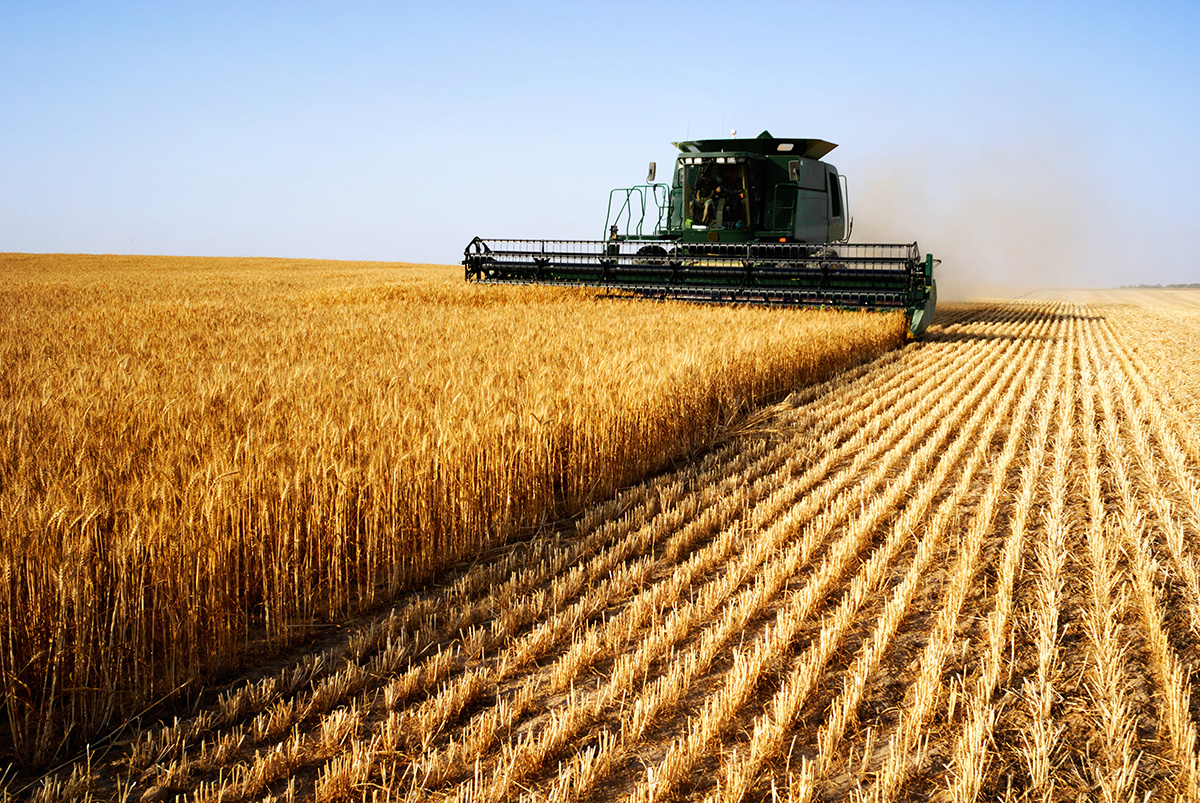
This is crop reporting, in detail.
Figured connects your clients’ financial and production data by crop type or enterprise, down to the field level, giving you year-round access to the kind of detailed gross margin analysis that banks and boards love.

For accountants serving not only farming operations, but non-farm commercial entities too, Figured’s Commercial Manager extends the same planning, forecasting, and reporting workflow to the rest of your portfolio.

For any situation where your clients are running more than one farm, Figured Multi-Farm splits a single accounting file into separate farms in Figured, using the tracking categories already in Xero, QuickBooks Online, or MYOB. This way, each operation reports on its own performance while the whole business still reports as one.
Where a client group spans several accounting files, Multi-Entity brings those farms together into a single reporting group, with consolidated P&L, cashflow, and variance reports, and internal trading between entities netted off.
If it’s one client, it should be one relationship, with group reporting that doesn’t add to your workload.

Earn recognition for the advisory work you’re already doing — and get found by the farming clients looking for an adviser who knows Figured.


Resources
Questions
Reporting Studio is Figured’s customisable reporting layer, built on top of the live data already in Figured and designed to complement the standard reports your practice already relies on.
Figured’s standard reports handle the financial and operational outputs your practice uses every day, including P&L, cashflow, balance sheet, production reports, tracker summaries, and EOFY statements.
Reporting Studio is where client-facing advisory reporting lives. When you need a branded report with custom KPIs, charts, tables, and commentary, Reporting Studio lets you build it once at firm level and open it across every farm in your portfolio.
Yes. Every report in Reporting Studio can carry your firm’s brand colours, logo, and imagery.
Auto Analyst is Figured’s AI commentary engine, built directly into Reporting Studio.
Add it to any component in a report and it reads the data you tell it to, analysing the farm’s position, and writing a narrative automatically. Swap between an executive summary, detailed analysis, or skimmable bullet points, depending on the level of detail you want to get into.
As the numbers change, Auto Analyst regenerates its commentary, keeping it fresh and current every time.
All of the standard financial reports you need to get a result at the bank are built into Figured, including P&L, balance sheet, cashflow, and variance reporting against budget. Connected to live data from both the accounting side and production side in Figured, you can generate up-to-date, valuable reports by the time you’ve finished a phone call.
Then, in Reporting Studio, core financial reports including P&L, cashflow, and balance sheet drop directly into any custom layout alongside KPIs, production data, and AI commentary, letting you build a single, branded report that puts the farm’s full financial picture in front of lenders.
Auto Analyst works alongside your own commentary, if you want it to.
As you build your Reporting Studio templates, or customise at the farm level, you can add any amount of text where you need it to explain your findings in your own words.
Auto Analyst does the same thing for you, at scale. By reading the data and generating the narrative on your behalf (at your choice of detail), it enables you to scale tailored commentary across more farmers — something that just wasn’t possible before, particularly for larger practices.
We find most practices are happy with Auto Analyst’s commentary as-is, but if you need to edit it, you can. That way, the final report carries not only your branding, but your voice, without you having to spend hours per client writing detailed notes.
Yes, we’ve worked hard to ensure that Auto Analyst, Reporting Studio’s AI commentary feature, is completely accurate to your farm numbers, and is safe to use.
Within Reporting Studio, Figured calculates every figure, variance, and ratio before Auto Analyst sees anything. The AI’s job is to describe those numbers in writing. A separate checking layer then reads the write-up back against the underlying data and corrects anything that doesn’t reconcile, which minimises the risk of an inaccurate statement reaching the page.
On the data security side, Figured AI works only with what’s in your Figured account. It doesn’t browse the web or pull in outside sources. When Auto Analyst writes commentary for you, Figured sends the relevant data to a model provider for processing, and doesn’t retain the request or the response afterwards.